


Once revenue management sets a renewal price, someone still has to decide when the offer goes out, how long the resident has to accept it, and whether the price changes after a deadline. When those decisions happen in emails and calls with site teams, it’s hard to tell what each resident actually received.
That’s the problem we’re working on with Offer Studio, now in limited preview with select operators. We’re also using last month’s Predicted Outcome to tailor what residents see when they open Renew, and adding SLAs so teams can see which renewal tasks are overdue.
Introducing Offer Studio
Two communities can start with the same renewal increase and handle it differently. One extends the deadline. Another adds a concession. By the time the leases are signed, it can take a few calls to figure out what went out and how each offer performed.
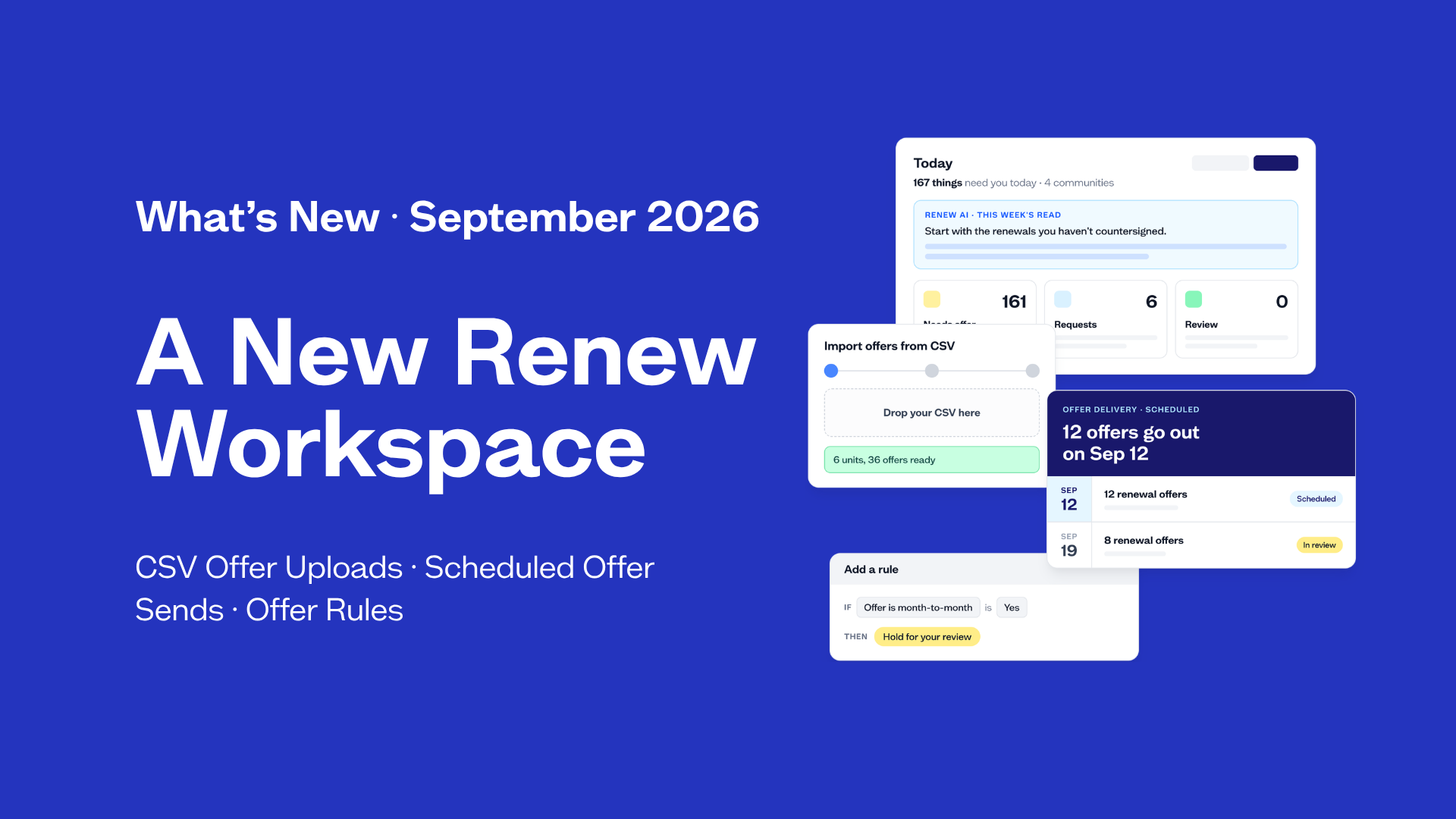
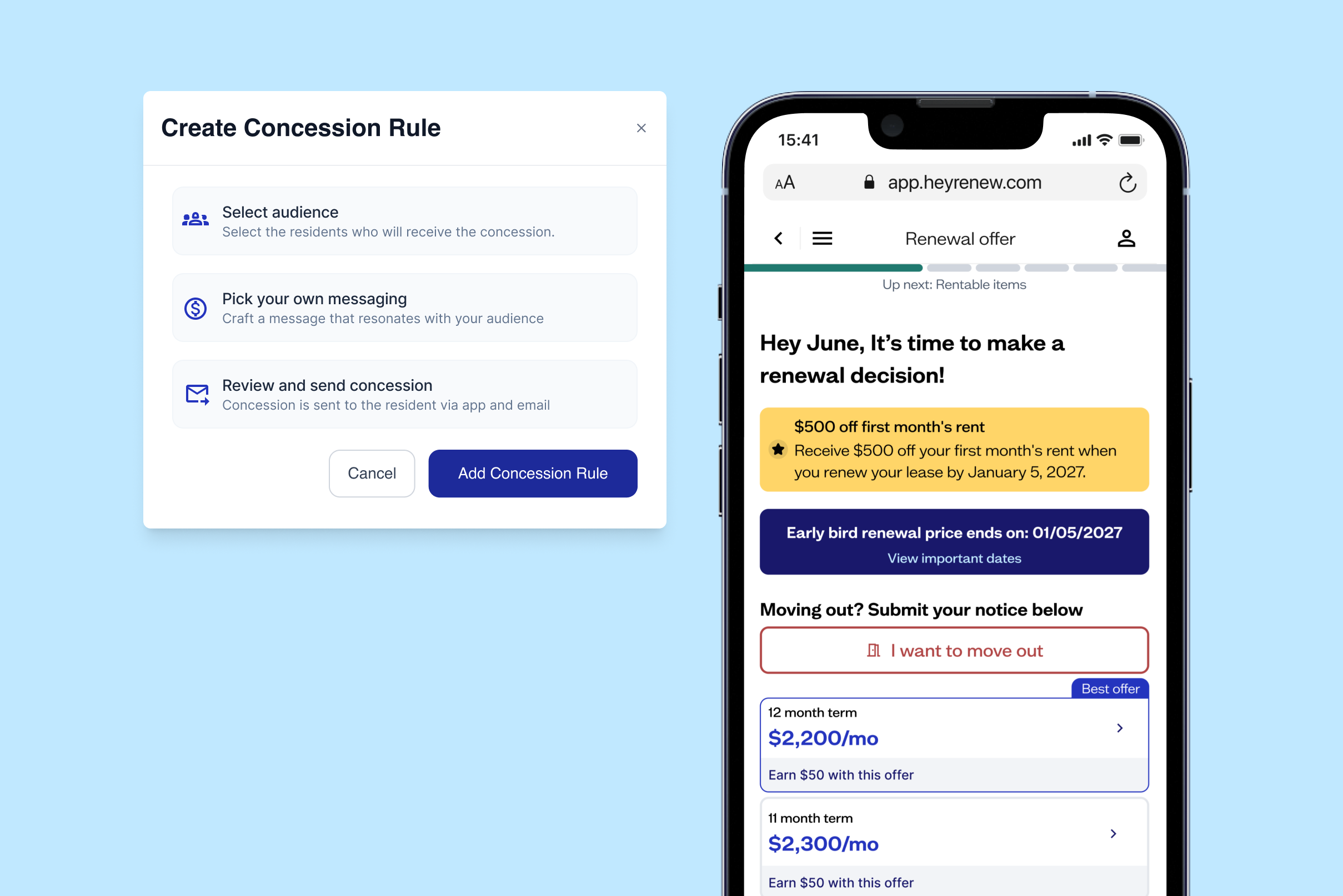
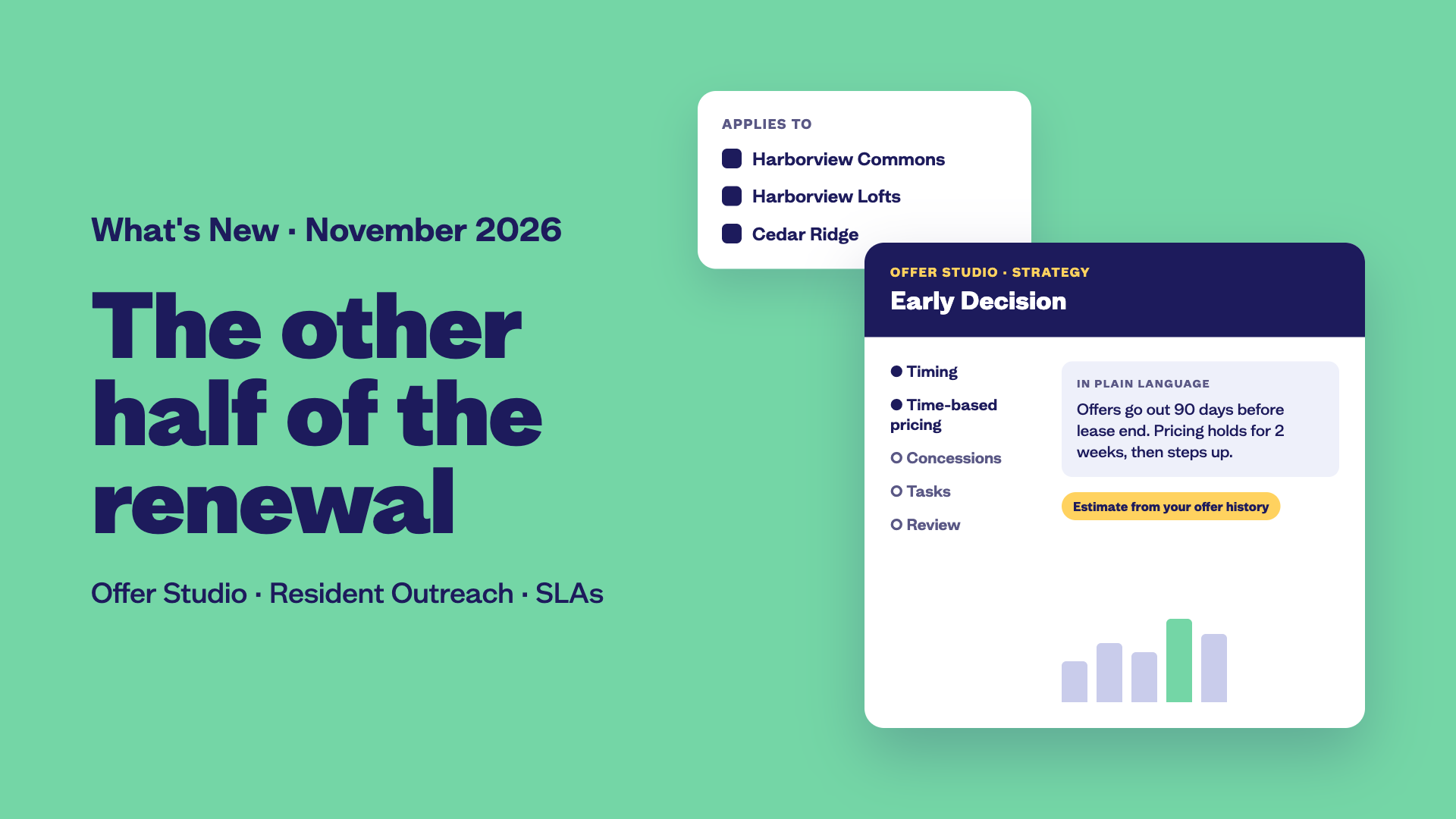
Offer Studio gives revenue and operations teams a place to build a renewal strategy, assign it to communities, and see how it’s likely to perform based on their own offer history.
Why it matters
- Give site teams clear direction. Everyone can see when offers should go out, how long pricing holds, and which concessions apply.
- See how the strategy was used. Offers are tied to a named strategy, so leadership can see which approach each community used.
- Use your own results to decide what to repeat. Compare how strategies perform across your portfolio and bring those results into conversations with ownership.
What’s new
- Named, reusable strategies. Set offer timing, time-based pricing, concessions, resident tasks, and signature requirements in one strategy you can save and reuse.
- A guided builder. Work through the steps in any order and see a plain-language summary of how the strategy works.
- Estimates based on your offer history. See how a strategy is likely to perform before sending it to residents.
- Community assignments. Choose which communities will use each strategy.
Preview partners are helping shape how Offer Studio will support the full renewal process, from the moment an offer syncs from your PMS to the signed lease.
If you’re a Renew partner and want to join the preview, reach out to your Partner Success Manager. If you’re new to Renew, email sales@heyrenew.com.
Resident Outreach based on Predicted Outcome
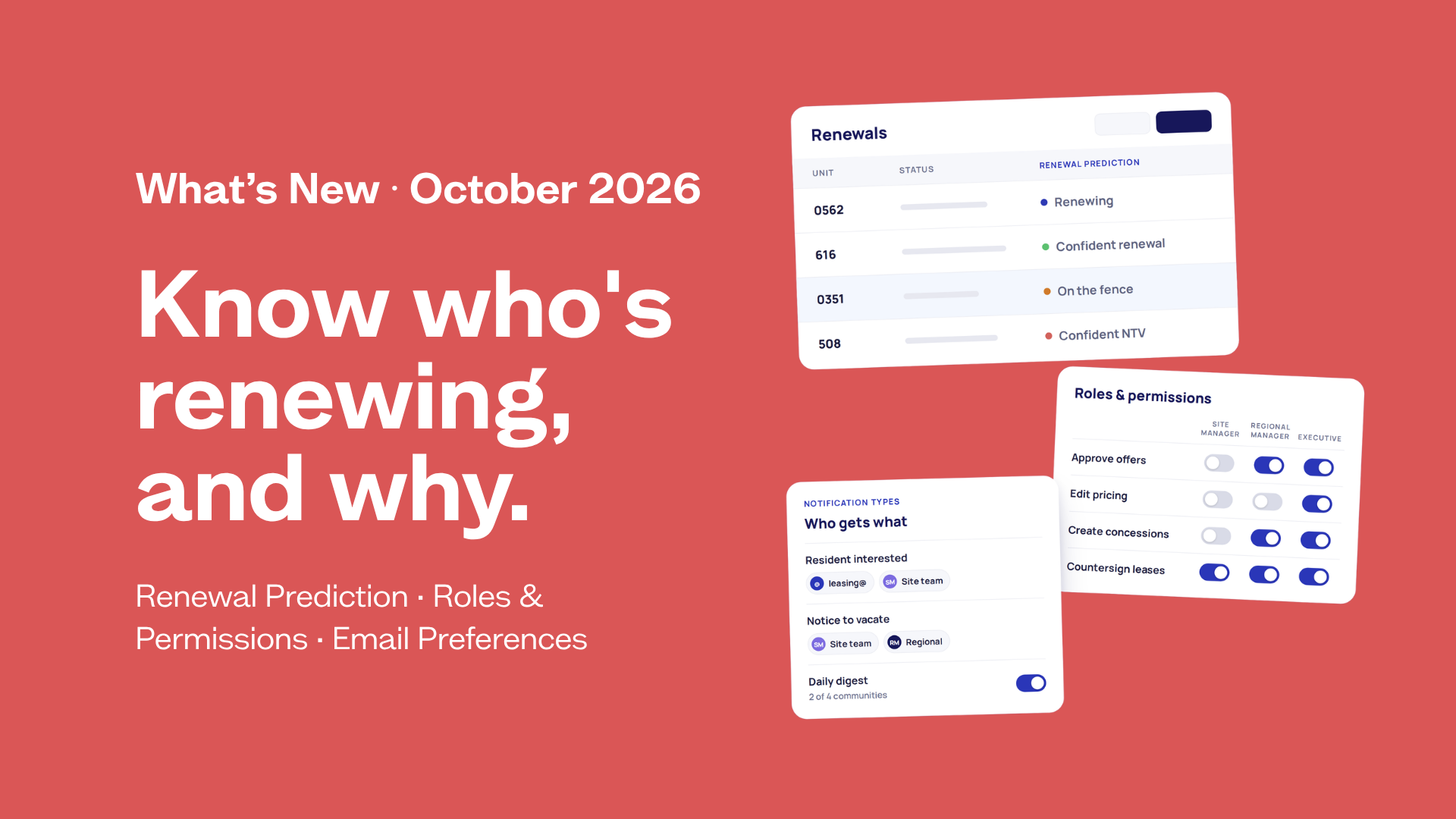
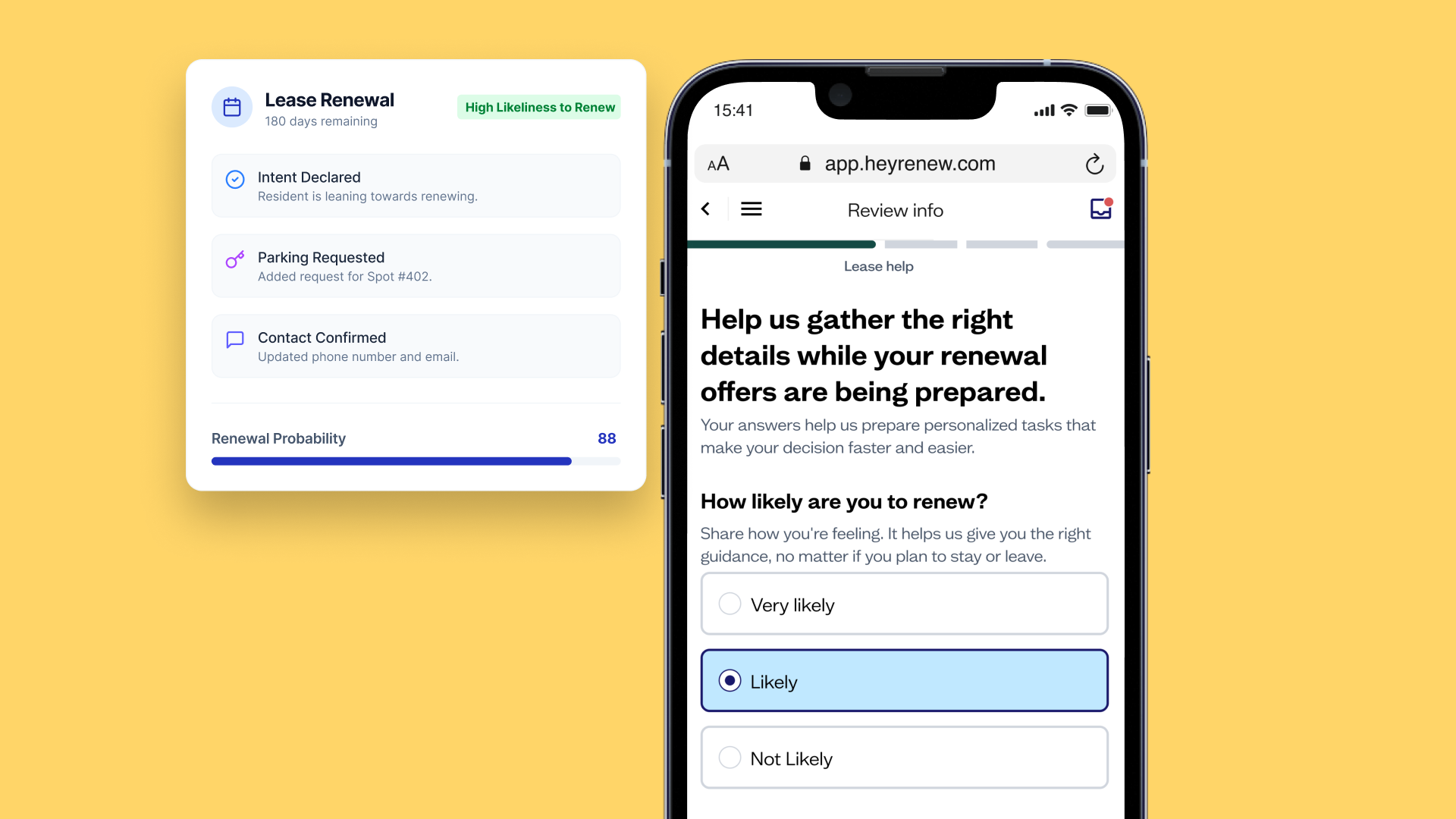
Last month, we introduced Predicted Outcome to help teams see who’s likely to renew, who may be planning to move out, and who’s still on the fence. Now that prediction helps determine what a resident with an open offer sees the next time they visit Renew. The prediction itself stays on the team side of Renew.
Why it matters
- Give your team time to follow up. Site teams hear about likely move-outs first and get a suggested next step while there’s still time to talk with the resident.
- Give residents a reason to stay in your portfolio. If their current apartment no longer fits, they can see options in your other communities.
- Keep follow-up manageable. Residents who haven’t made a decision receive at most one follow-up email per offer, based on what they did during their visit.
What’s new
- A pop-up based on Predicted Outcome. Likely renewers can go straight to their offer. Residents on the fence go to Need Something Else with their request already selected. Likely movers can see up to three nearby homes in their price range from other communities in your portfolio.
- Unit matches when a resident gives notice. If they’re leaving because they need more or less space, Renew can show matching units in their current community.
- A follow-up email based on resident activity. If the resident still hasn’t decided, Renew can send one email based on what they did during their visit.
- Alerts and a daily digest. A Predicted Move-Out Alert lands in your Renew inbox with the same recommended action you see in Signal. The daily Partner Digest shows how many residents may be planning to move out at each community.
SLAs for renewal handoffs
A resident signs their renewal, and the lease waits for a countersignature. A notice comes in, and it’s still waiting to be processed days later. Both are easy to miss when you’re looking across a portfolio.
With SLAs, you can set how long each step should take and see which communities have work that’s overdue or due soon.
Why it matters
- Catch delays before they affect residents. A late countersignature is easier to fix before the lease slips into month-to-month.
- See where teams need help. Regional and portfolio leaders can see which communities are falling behind and which step is holding them up.
- Measure against your own standards. Set the targets your team works toward and see who changed them and when.
What’s new
- Targets for six renewal tasks. Set how many days teams have to get offers into your PMS, send offers, countersign, process notices, answer resident requests, and generate leases.
- Portfolio targets and community exceptions. Set targets company-wide, let communities set their own where appropriate, and lock the targets every community needs to follow.
- Visibility on Today and the SLAs page. Status rings on Today flag overdue and upcoming work. The SLAs page ranks communities by performance and calls out each community’s weakest SLA.
- A preview and change history. See how a proposed target would affect your on-time rate before saving, and review what changed and who changed it.
Know an operator who could use Renew? Eligible referrals get a gift card or Renew credits, subject to your company’s gift policy. Submit a referral.