.svg)

.svg)


.png)
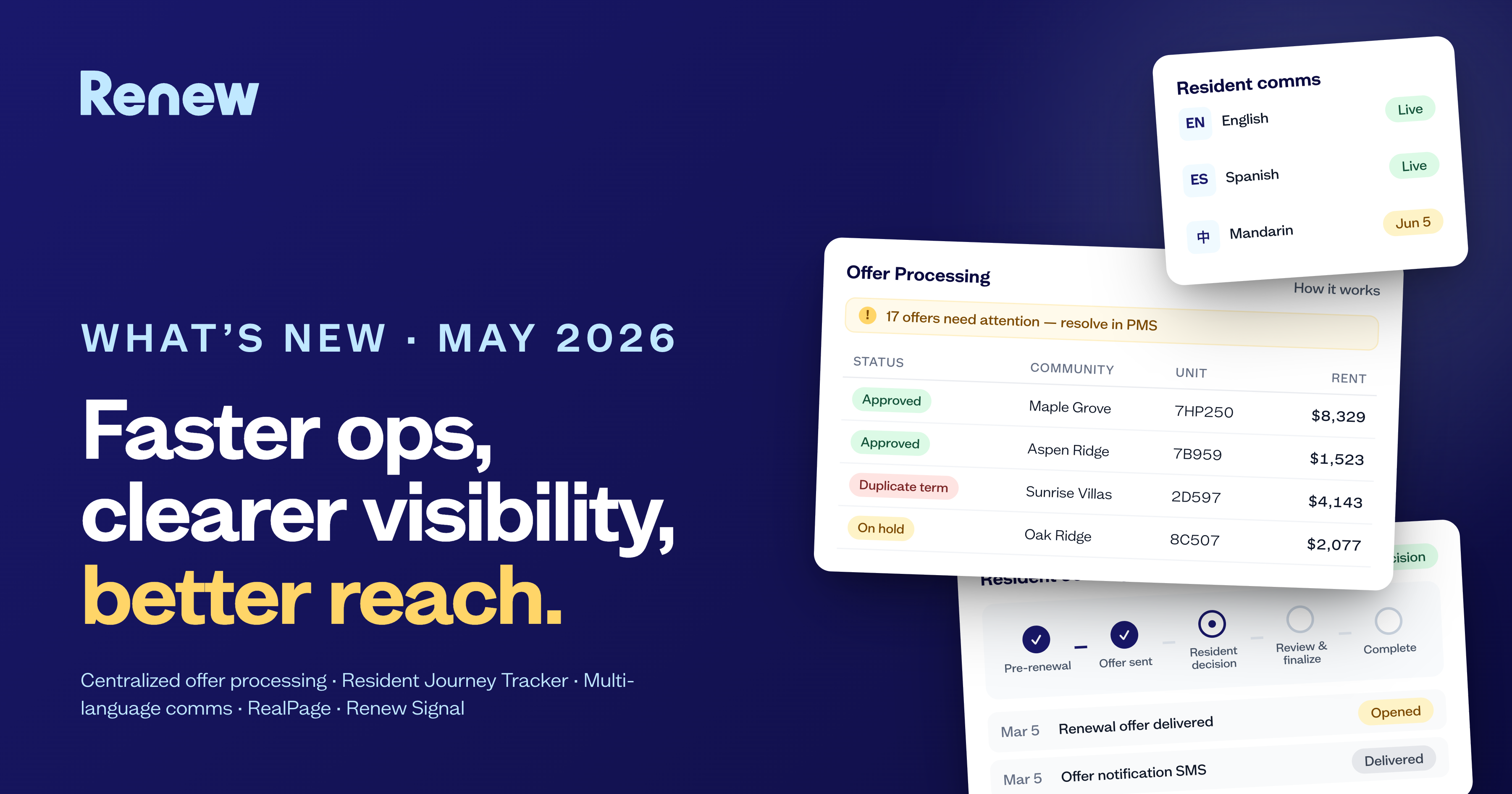
Renewal season is never simple. Between compliance paperwork, shifting resident decisions, and login confusion, teams spend more time chasing details than driving renewals.
This month’s updates make that easier. From streamlined renewal PDFs to providing operators the ability to reset renewal decisions in RMS, and an easier way for residents to log in to manage their renewal. Renew continues to help multifamily operators reduce manual work, eliminate friction, and elevate the resident experience.
Here’s what’s new at Renew, and how to make the most of it.
Customized Renewal Docs
All your PDFs, handled.
Every region (and community!) has its own requirements:
- Washington state rent increase notices
- California’s right to a pre-move-out inspection
- Owner-specific addenda for pet policies, parking, or pest control.
Previously, that meant managing dozens of file versions, often edited manually, one lease at a time. With the Customized Renewal Docs, those days are over.
Example: Washington State compliance for notice of rent increase
Imagine an operator managing 12 Washington state communities, each subject to a detailed notice of rent increase document, customized per resident.
Before:
With the new law, each time a household was up for renewal, someone would need to manually update and input values for the compliance document, taking hours and manual calculations to complete.
Now:
Notify our team that you need to support a compliance document, and we’ll get right on it. We’ve built the internal tools to support all different types of forms – custom to your community or mandated by state or local compliance. We’ll save you the time and the headache by automatically generating the forms you need alongside your renewal offers or notice documents.
Across hundreds of renewals, that’s hours saved, errors prevented, and ensured compliance.
Why it matters
- Consistency: Every community uses the same approved form — no outdated templates or manual edits.
- Compliance: Easily append required PDFs to meet state, city, or owner rules.
- Efficiency: Teams can focus on leasing strategy, rather than paperwork logistics.
If your communities use different PDFs by region, owner, or property type, your Partner Success Manager can set up your documents to be managed by Renew.
Renewal Decision Resets: Flexibility Without the Friction
Change of plans? No problem.
It happens all the time:
A resident gives notice, then decides to renew.
Or they pick a 6-month term, then realize a 12-month term makes more sense.
Until now, resetting that decision required a support ticket or manual reset by the Renew team, creating delays and unnecessary back-and-forth.
With Renewal Decision Resets, eligible users can now reset a household’s renewal decision directly within the partner app.
How it works
- Find the renewal offer in Renew.
- Click Reset Decision from the renewal offer profile.
- Confirm the reset (double confirmation required to prevent mistakes!).
- The household’s renewal path is cleared, allowing them to submit a new decision.
Everything is logged in the activity feed in RMS, so you always know who made the change and when.
Example: A centralized renewals team
Let’s say your central team manages renewals for 40 communities. A resident at one property renews early, but two weeks later, they decide to give notice.
Before:
The property team had to email Renew support, wait for a reset, then coordinate with the PMS to ensure records aligned.
Now:
The centralized team can make the change instantly in Renew. When the change is made, Renew automatically logs the activity and provides in-app prompts to update the PMS if needed.
The process takes under a minute. No support ticket, no waiting.
Built-in guardrails
- Double confirmation ensures resets are intentional.
- Activity logs maintain transparency for auditing and reporting.
- Permission controls can restrict who can reset decisions (e.g., central teams only).
- PMS sync reminders prompt teams to update external systems to prevent data conflicts.
- Executed Blue Moon leases remain locked to protect signed contracts.
Why it matters
- Faster turnaround: No more bottlenecks when residents change their minds.
- Clean data: Every reset is tracked, with clear ownership.
- More control: Empower your teams to manage renewals end-to-end, without waiting on support.
Easier Logins, Happier Residents
“Click this link and log in.” It’s that simple.
Previously, residents could only access Renew through a magic link sent by email or text. Convenient in theory, but tricky when someone deleted it, switched devices, or didn’t recognize the sender.
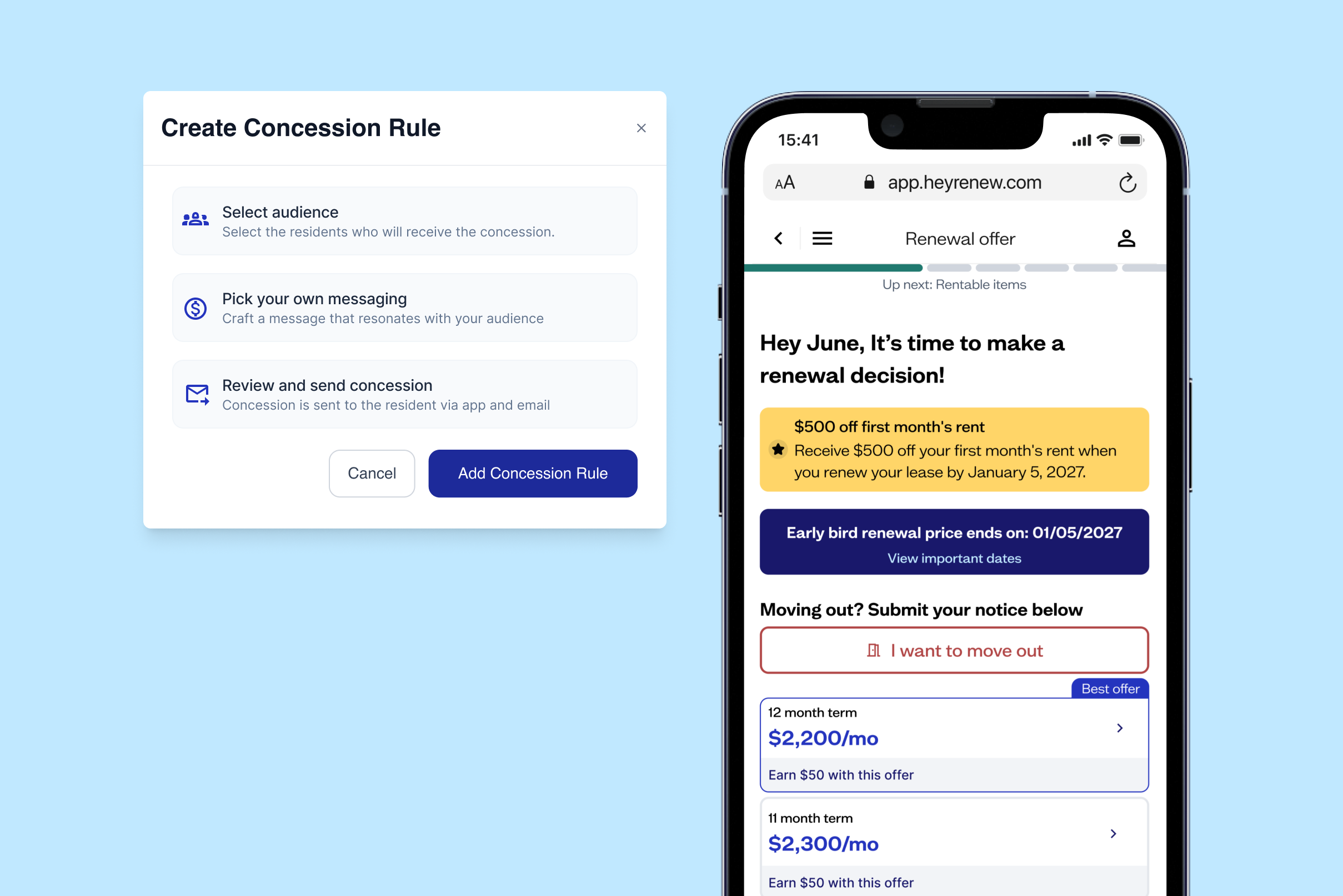
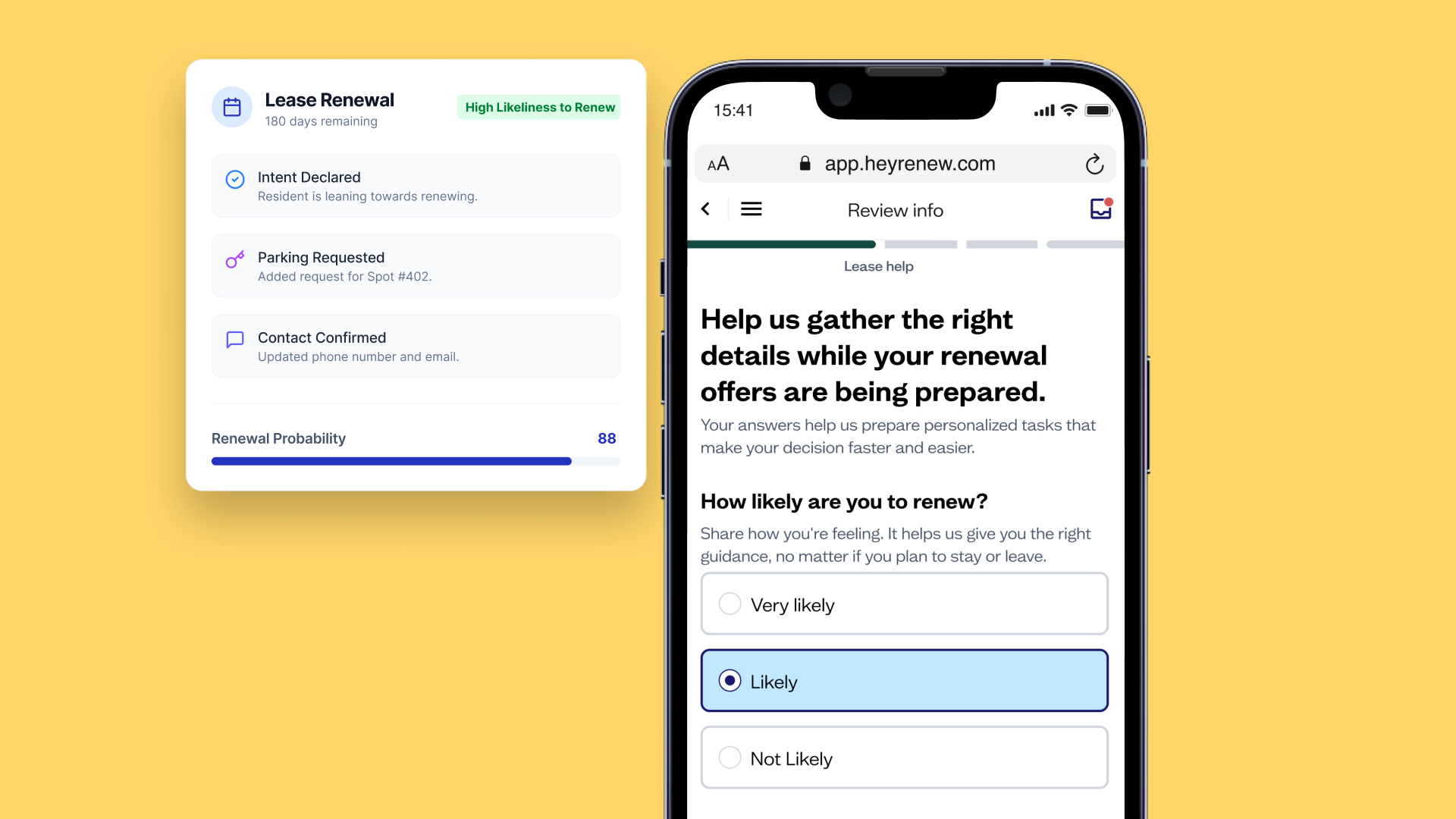
Now, teams can point residents to a simple URL where residents enter their email or phone number on file to securely log in to the Renew Resident app.
Example: Simplifying support calls
A resident calls the leasing office: “I can’t find my renewal link. How do I log in?”
Before:
Teams would reach out to their Partner Success Manager to resend the link, or residents would write into support.
Now:
They can say, “Go to app.heyrenew.com, enter your email or phone number, and you’ll get a code to log in.”
That’s it. The process takes seconds and reduces the most common support requests site teams get.
What stays the same
- The magic link emails and texts still work. Nothing changes for residents who prefer those.
- If someone enters contact info that doesn’t match their lease, Renew clearly flags it with a message:
“Access is limited to the email or phone number associated with your lease. Please check with your property team.”
Why it matters
- Less confusion: Residents have a clear, consistent way to access Renew.
- Better experience: Faster access leads to faster renewals.
- Reduced support volume: Fewer inbound “I can’t figure out how to log in” tickets.
Bringing It All Together
Each of these features connects to a larger goal: helping multifamily operators manage renewals with less effort, less risk, and more insight.
- The Customized Renewal Docs saves hours on compliance paperwork.
- Decision Resets empower teams to act fast without losing data control.
- The Simplified Resident Logins improve the resident experience from the first click.
Together, they form a stronger renewal ecosystem, one that supports both your teams and your residents.
Want to see how these updates can streamline your operations?
Reach out to your Partner Success Manager or click here to schedule a demo.

.png)
.png)
.png)
.png)
.png)
.png)
.png)
.png)
%20(1).png)
.png)
.png)
.png)
.png)
.png)
.png)
.png)

.png)
.png)
.png)
.png)
.png)
.png)
.png)
.png)
.png)
.png)

.png)

.png)






.png)
.png)