.svg)

.svg)


.png)
Most of what slows a renewal season down isn’t strategy; it’s plumbing. Which offer needs your eyes, which one can run itself, and when it actually needs to land in a resident’s inbox.
As Renew has grown, so has everything your team can do within it — manage offers, process notices, respond to residents, resolve delivery issues, and more. But more functionality can also mean more places to navigate. So this month, we took on the harder task: making all of it feel simpler.
Now, that work comes together in one workspace. Renewal offers can flow through Renew even when a PMS won’t cooperate. Approving an offer and sending it are no longer the same click. And the logic that determines whether an offer sends automatically, waits for review, or doesn’t go out at all is finally visible.
Here’s what’s new at Renew this September, and how it gets more of the busywork off your plate.
A New Renew Workspace: Everything, finally, in one place.
Renewals work has never lived in one screen — it's offers here, notices there, resident requests somewhere else, filtered a different way every time you switch pages. This month, we built the workspace that ends the tab-hopping. Log in, see exactly what needs you today, and work it without bouncing between six different views.
What's new
- One view for everything waiting on you. Needs offer, countersign leases, resident requests, notices to process, delivery issues to fix — each shows up as its own count with a direct link to the work, so nothing hides behind unrelated tasks.
- Filters that build the view you actually need. Narrow by community, lease-end window, who the work is waiting on, or renewal stage — the same filters power your renewals list, so what you build once keeps working.
- Focus mode. Move through your prioritized list one item at a time instead of deciding what to open next.
Why it matters
- Less time deciding what to work on, more time working it. The workspace tells you what's waiting and in what order, instead of you piecing that together across six pages.
- You can move at your own pace. A "Switch to classic" toggle stays available while the new workspace rolls out.
- One rhythm for renewal work, not several disconnected corners of the product.
A quick note on where this stands today: the new workspace is tuned first for the day-to-day of running a handful of communities — broader multi-community and portfolio-level views are next. And this month's other three releases below — CSV offer uploads, offer rules, and scheduled sends — are still only available in the classic view while we bring them over.
CSV Offer Uploads: When your PMS won't talk, your offers still get in.
Some property management systems (RealPage among them) simply don't expose renewal offer data through an API. Until now, that meant offers for those communities lived outside Renew entirely, tracked by hand. Partners can now upload a renewal offer CSV directly in the partner app, and it flows into the same automated pipeline as every other offer.
What's new
- Upload directly in the partner app, built first for the AIRM/RealPage export format.
- A review step catches problems before anything is created. Renew checks the file against your leases and units and shows exactly what's off before any offer gets staged.
- Partial success, not all-or-nothing. If a handful of rows have errors, the clean rows still process — fix and re-upload just the units that need it.
- Feeds the same pipeline as everything else. Once uploaded, offers move through Renew's standard approval and send process like any other source.
Why it matters
- Closes a real gap, not a workaround. RealPage communities finally have a path to get renewal offers into Renew — no manual re-entry, no offers stuck permanently outside the system.
- Errors are something you can fix, not a mystery. A downloadable error report tells you unit-by-unit what needs correcting.
- Less back-and-forth between your team and ours.
This is rolling out community by community, starting with RealPage communities — and it requires your community's renewal offers to already be running through Renew's automated processing. If you're not sure whether that's the case for you yet, ask your Partner Success Manager.
Scheduled Offer Sends: Approve it now. Send it when it's actually time.
Approving an offer used to mean sending it — click approve, and it goes out in the next scheduled run, whether or not that's actually when you wanted a resident to see it. That coupling made it impossible to batch approvals in advance; every click had to be timed to the day you wanted the offer to land. Now, when an offer sends is a setting, not a side effect of when you got around to approving it.
What's new
- A send schedule per community. Set how many days before lease end an offer should go out, and every offer created for that community follows it automatically.
- Override any single offer. Need one resident's offer to go out on a different date? Change it on that offer without touching the community default.
- Still respects last-minute pricing changes. If terms update before an offer actually sends, the offer reflects the latest numbers.
Why it matters
- Approve in bulk, whenever it works for you. Clear a stack of offers in one sitting instead of timing each approval to the moment you want it to land.
- No more holding offers back just to control timing.
- More control over renewal cadence — shift send timing for a community ahead of a busy leasing season, for example, without an engineering request.
Like CSV uploads, this requires the same automated-processing setup on your community's renewal offers. Ask your Renew contact if you'd like it turned on for yours.
Offer Rules: See exactly why every offer does what it does.
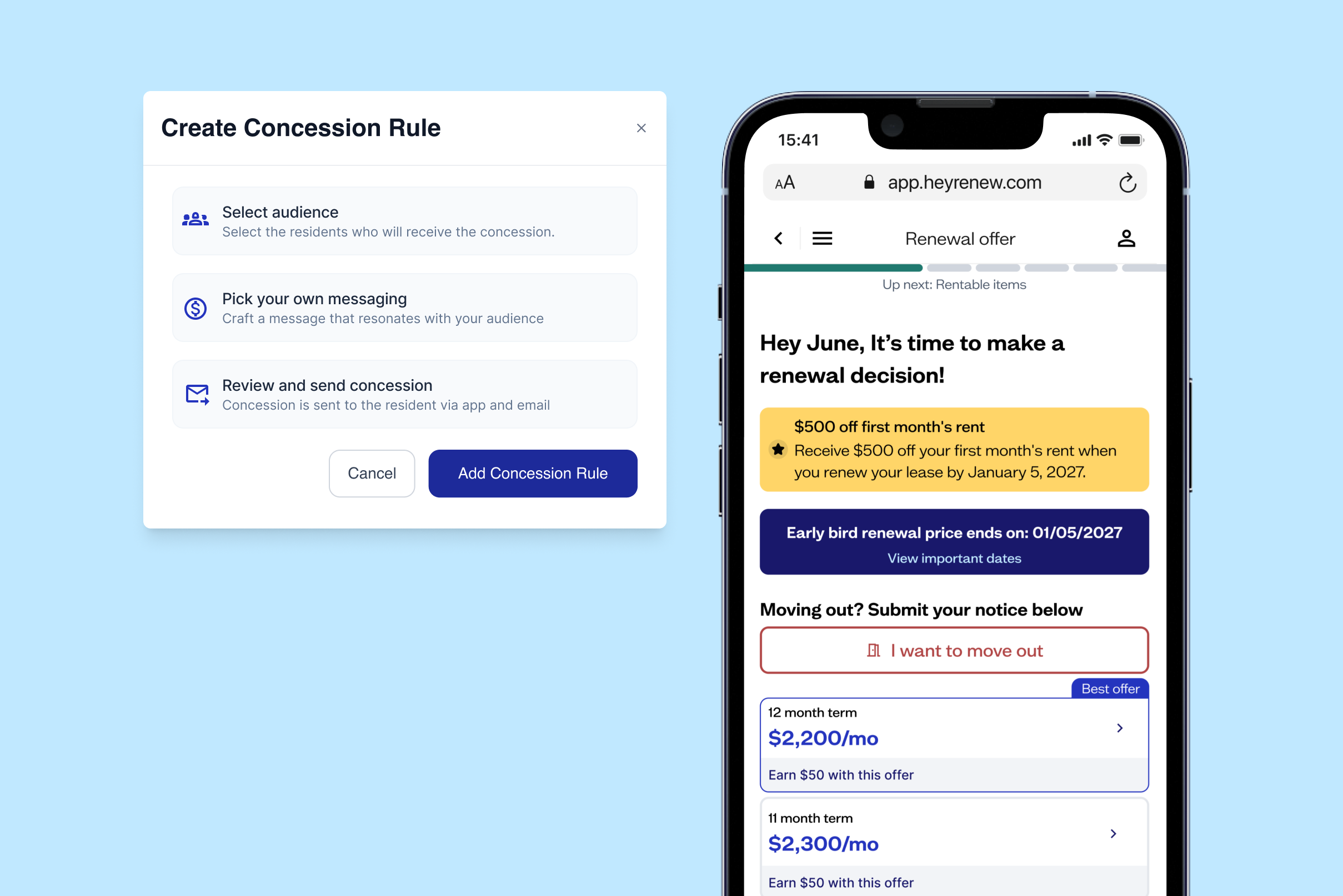
Every renewal offer used to get treated the same way across an entire portfolio — auto-approve was on or off for everything, with no way to carve out a single community or exception. One edge case could force auto-approve off across a whole operator, or route around it through a support ticket. Offer Rules replaces that all-or-nothing switch with real, visible logic.
What's new
- Three clear outcomes for every offer: auto-approve, hold for manual review, or don't create an offer at all — decided by rules instead of a single portfolio-wide toggle.
- Rules scoped exactly how you need them, down to a single community or specific conditions like lease status or timing windows.
- Rules run in order, with reasoning attached. The first matching rule decides the outcome, and each one can carry a note explaining why it exists.
- Visibility into your own communities. You can now see the rules currently governing your offers, so "why is this offer waiting on approval?" has an answer.
Why it matters
- No more all-or-nothing auto-approve. One exception doesn't force an entire portfolio into manual review.
- "Why did this happen?" finally has an answer — every offer's status is traceable to the rule that produced it.
- Your Renew team can tune this with you. We're rolling out configuration together with partners first, community by community, so the rules match how you actually run your portfolio.
Know a property team that would get real value out of Renew? We'd love an introduction. And if you've got thoughts on the new workspace, reply and tell us; it's still being shaped by feedback like yours.



.png)
.png)
.png)
.png)
.png)
.png)
.png)
%20(1).png)
.png)
.png)
.png)
.png)
.png)
.png)
.png)

.png)
.png)
.png)
.png)
.png)
.png)
.png)
.png)

.png)
.png)

.png)

.png)






.png)
.png)
.png)